Create your account and sign in
Signing up and signing in are the same path. You enter your email address and then the code from the email. You do not need a password.
With a Selfdesk account you can look at spaces, pick a plan and sign a contract. You do not need to know beforehand whether you already have an account: new and known addresses take the same path.
How to sign in
- On the sign-in screen enter your email address and tap Continue.
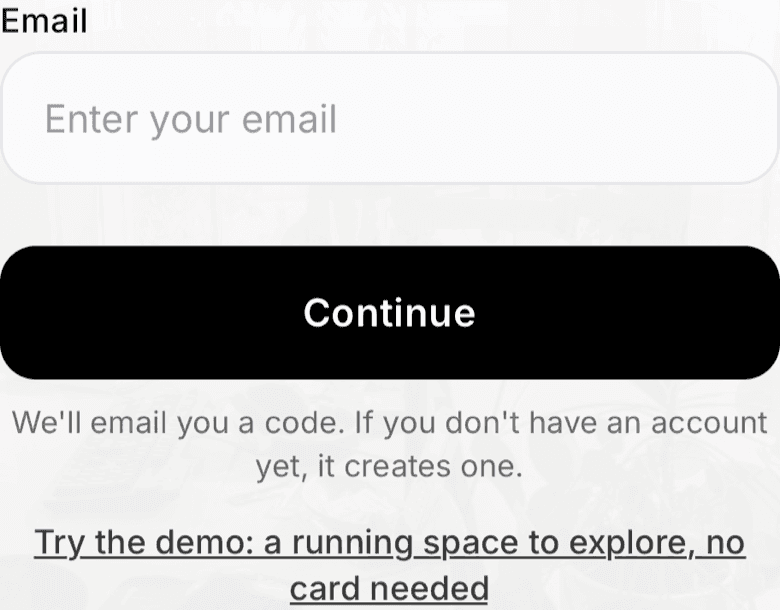
Sign-in screen with the email address field - Selfdesk sends you an email with a six-digit code.
- Enter the code. On iPhone and Mac the keyboard often suggests the code from the email.
If the address is new, your account is created at that moment. Your address then counts as confirmed; there is no separate confirmation email.
If you read the email on the same device, you can use the link in the email instead of the code. What happens then is described in The code from the email.
With Apple or Google
Instead of your email address you can choose Continue with Apple or Continue with Google. No email is sent, and your address counts as confirmed as well.
With a password
If you have set a password, you can also sign in with it: on the sign-in screen tap Sign in with password. A password is optional. How to set one is described in Set, change or reset your password.
What applies here
- An account only comes into being once the code is right. A mistyped address never ends up with an account.
- The app stays signed in as long as you open it again within 180 days. Every time you open it, the 180 days start over. In the browser the same applies with 30 days.
- Your profile covers every space, your contract and your role belong to one space. See One account, several spaces.
When it does not work