Connect Lexware Office
Set the invoicing method to Lexware Office and the month-end run creates its invoices directly in your accounting system instead of in Selfdesk.
There are two invoicing methods. With Selfdesk, Selfdesk produces number and PDF. With Lexware Office, the same month-end run creates the invoice in your accounting system, fetches number and PDF from there and shows them to your members like any other. Selfdesk computes the positions in both cases, so the two systems cannot disagree about the amount.
You need an API key from your Lexware Office account. The connection card only appears once the invoicing method is set to Lexware Office.
In the app
- Open Billing in the management section.
- Under Invoicing method, tap the tile Lexware Office with
German accounting, confirm Switch Invoicing Method? and save at the
bottom with Save changes.
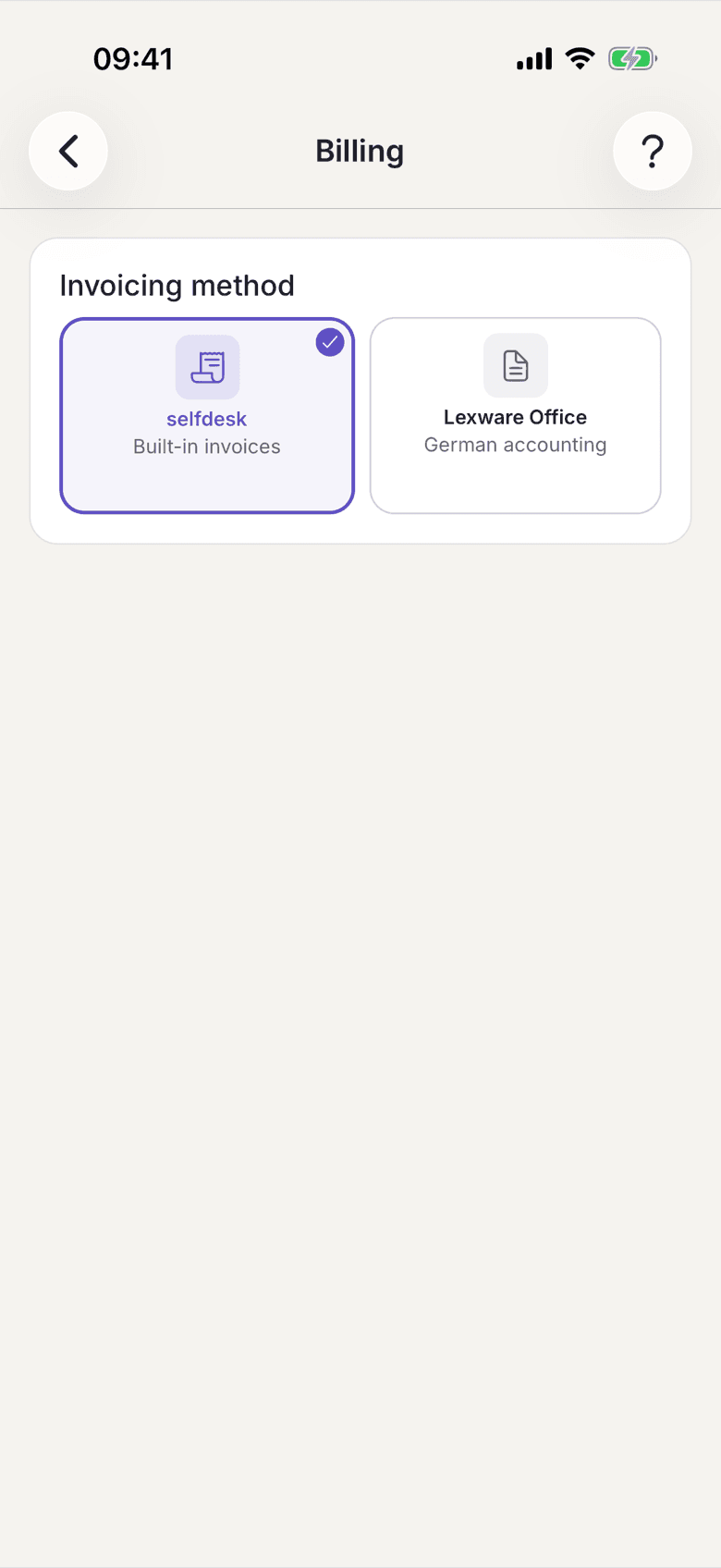
Billing with the two tiles Selfdesk and Lexware Office - Enter the API key in the Lexware Office card.
- Tap Test connection. It then reads Connected at the top.
- Tap Sync contacts so your members are created as customers.
- Under Recent syncs you see every run. Failed (…) expands the reasons.
On the web
- Open Billing in the settings.
- Pick the tile for Lexware Office with Accounting sync under Invoicing Method and confirm Switch Invoicing Method?.
- Enter the API key in the integration card below.
- Click Test Connection.
- Click Sync Contacts.
- Under the sync log you see every run and the failures with their reason.
What applies here
- An invoice is never sent twice. If an invoice already exists for that member, month and kind, the run refuses it. A finalised invoice at a real customer cannot be un-sent.
- The contact sync only pushes changes. A second click with nothing changed does not call Lexware Office and reports that everything is up to date.
- A member never gets two contacts. Before creating one, Selfdesk searches for the email address and adopts a single exact hit. If several match, the address is reported as failed and you link it by customer number yourself.
- What you maintain in Lexware Office survives. A sync writes only the customer, the billing address and the email address; phone numbers and notes stay.
- No invoicing address, no invoice. If it is missing, generation stops for that member beforehand. The member adds it in their profile.
- There is no draft mode. Invoices go out finalised. The check happens beforehand. See Check an invoice before sending.
- Every run writes a log entry, but only when Lexware Office was actually talked to. When Selfdesk does the invoicing, nothing is logged.
When it does not work